
This repository contains my personal configuration for rmpc, a terminal-based music player built on top of MPD. The configuration is focused on minimalism, keyboard-driven usage, and reducing friction during everyday listening.
It is not meant to be a showcase or a heavily themed setup. The goal is to make rmpc feel quiet, predictable, and easy to use inside a terminal-first workflow.
Most graphical music players introduce unnecessary complexity for a task that should stay simple. rmpc fits naturally into a CLI-based workflow and works well when you prefer keeping your hands on the keyboard.
While the default configuration is usable, small changes to layout, keybindings, and defaults make a noticeable difference in daily use.
Before using this configuration, make sure you have the following:
Install MPD using your system package manager.
sudo pacman -S mpd
Create a config folder inside your .config folder.
mkdir -p ~/.config/mpd
Create a config file inside your .config/mpd
nano mpd.conf
Open that config file via nano editor.
nano ~/.config/mpd/mpd.conf
Paste this file ctrl+shift+v
After pasting ctrl+o then enter then ctrl+x
music_directory     "~/Music"

auto_update "yes"

playlist_directory  "~/.local/share/mpd/playlists"
db_file             "~/.local/share/mpd/database"
log_file            "~/.local/share/mpd/log"
pid_file            "~/.local/share/mpd/pid"
state_file          "~/.local/share/mpd/state"

bind_to_address     "127.0.0.1"
port                "6600"

bind_to_address "/run/user/1000/mpd/socket"

audio_output {
    type "pipewire"
    name "PipeWire"
}
Quick check that MPD is running or not
mpd
Install rmpc using your system package manager.
sudo pacman -S rmpc
Clone this repository:
git clone https://github.com/anirbanfaith/rmpc-config.git
Create the rmpc configuration directory if it does not exist:
mkdir -p ~/.config/rmpc
Copy the configuration file:
cp rmpc-config/config.ron ~/.config/rmpc/config.ron
Adjust the filename if your local setup differs.
Make sure MPD is running, then start rmpc:
rmpc
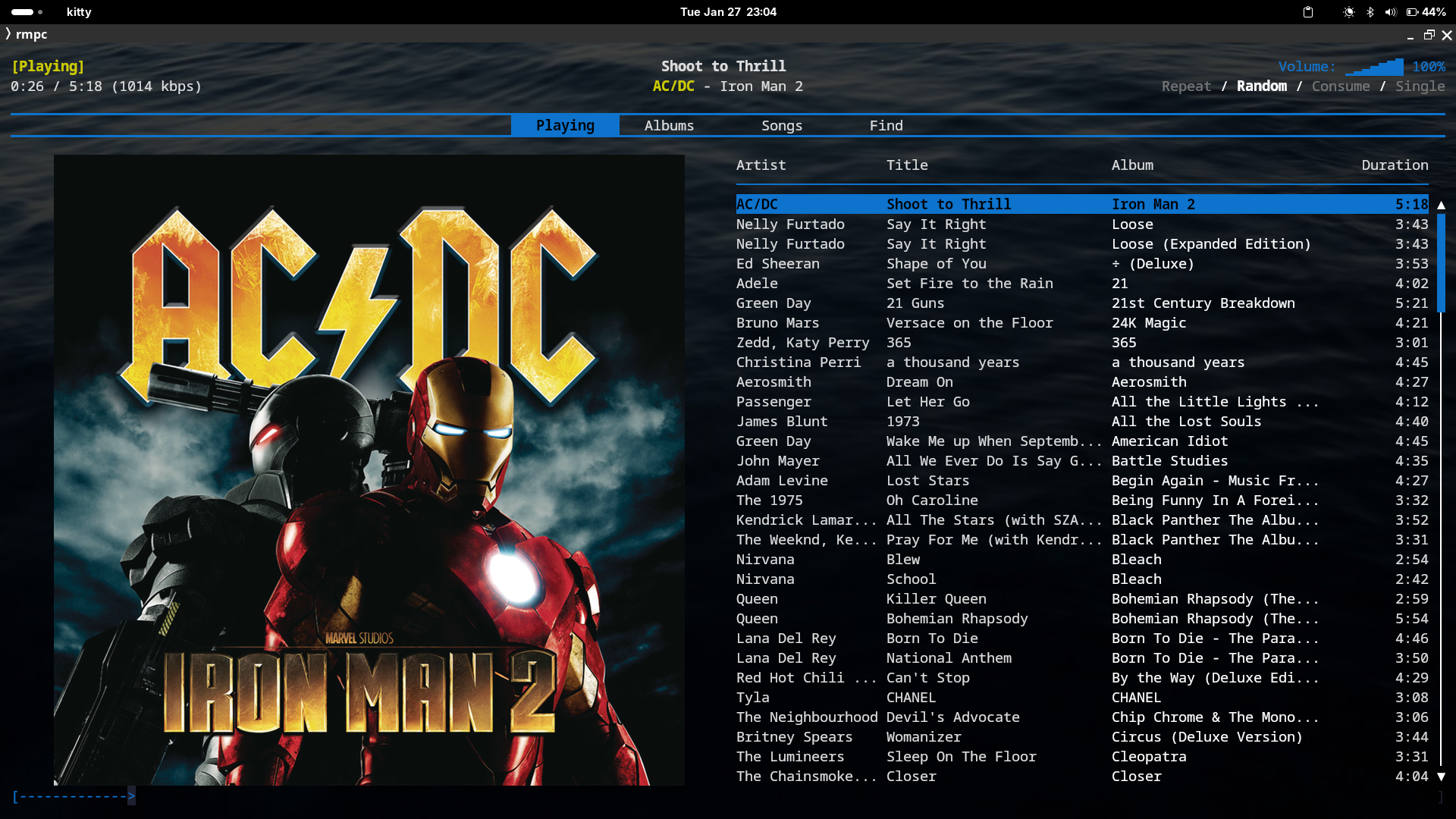
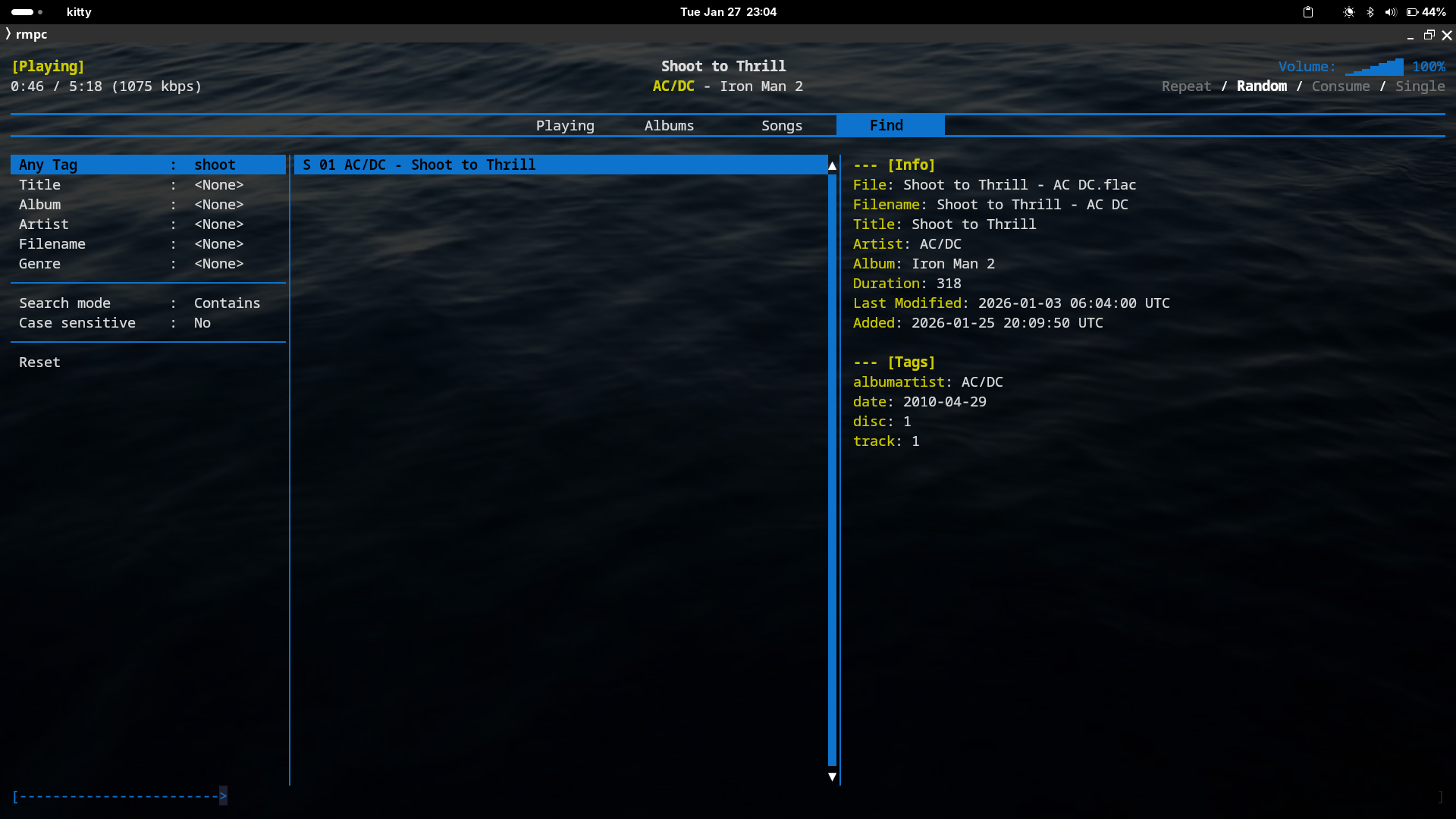
The configuration is intended to work out of the box. Changes should be made gradually, based on real usage rather than experimentation for its own sake.
This configuration reflects my personal workflow. You are encouraged to fork it and adapt it to your own habits. Small changes often have more impact than large rewrites.
Out of the box keybindings
Now where to get Hi-res flac files?
Tech explored